Shelly Smart Plugs
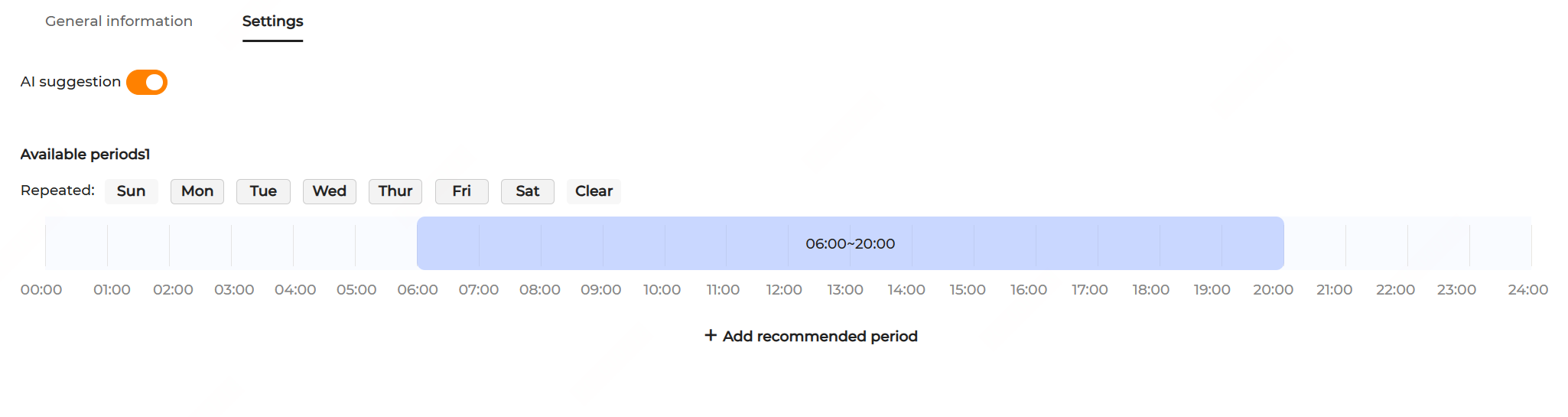
- Click the name of the Shelly smart plug to go to the Settings page and switch on the AI suggestion option.
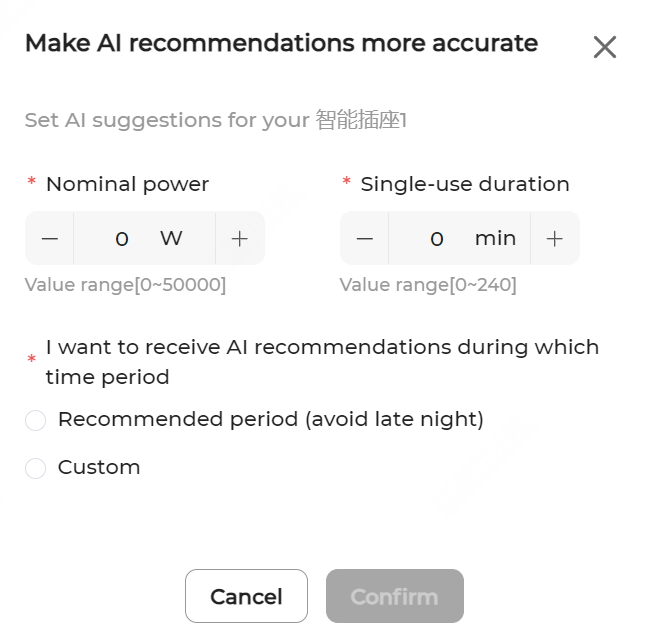
- In the pop-up, set Rated power and Single-use duration, select the expected time period to receive AI recommendations, and click Confirm.
- Choose the recurrence date and drag the time bar left or right to adjust the start and end time for AI recommendations.
- Click Apply settings to save and enable AI suggestions.
After enabling AI suggestion, when in AI mode, the system will generate suggestions on the load operation period. The Load operation period curve is accessible from the AI mode on the Overview page.