Set tariff
- Navigate to the Tariff page.
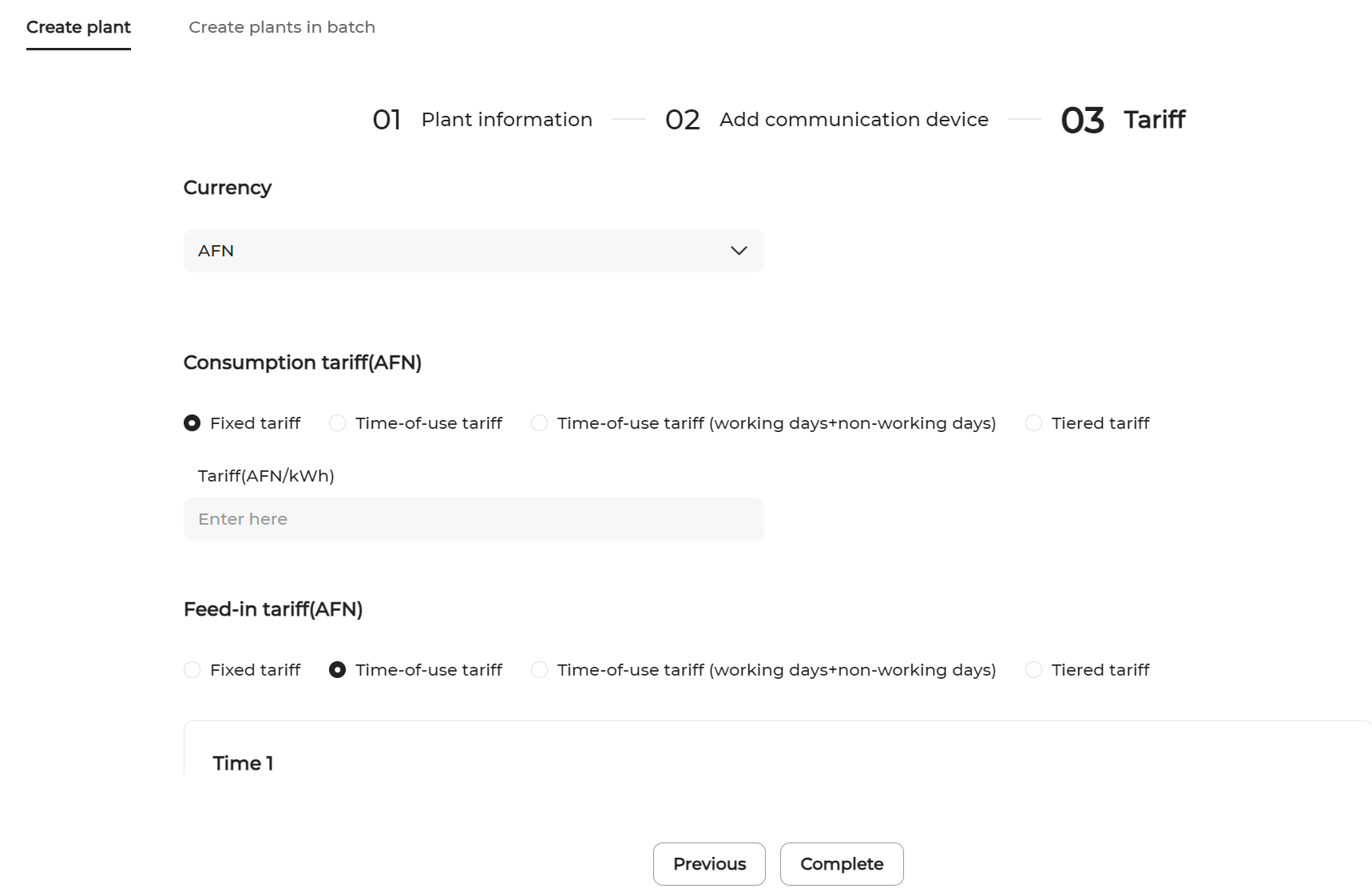
- Set Consumption tariff.You can select from the following tariff types:
Fixed tariff: The same tariff applies to all time periods.
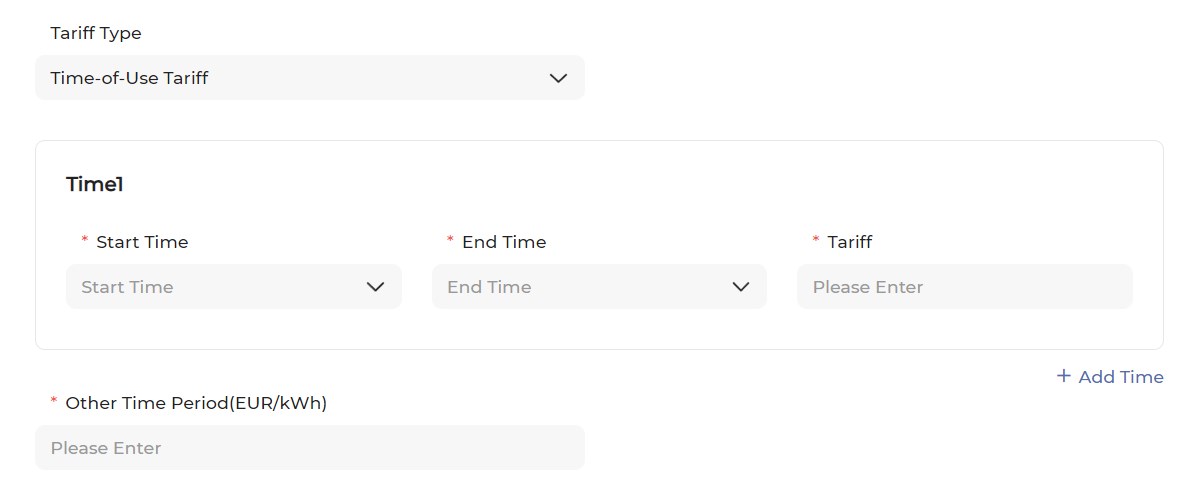
Time-of-use tariff: You can set different rates for electricity consumed in different time windows of day. The time windows cannot overlap.
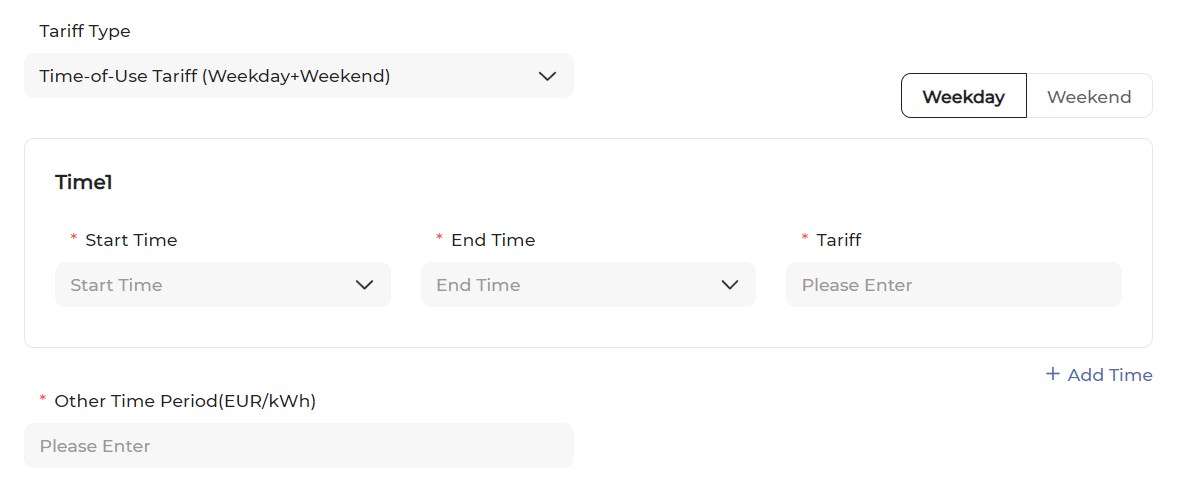
Time-of-use tariff (Working days+Non-working days): You can set different time periods and corresponding tariffs separately for working days and non-working days.
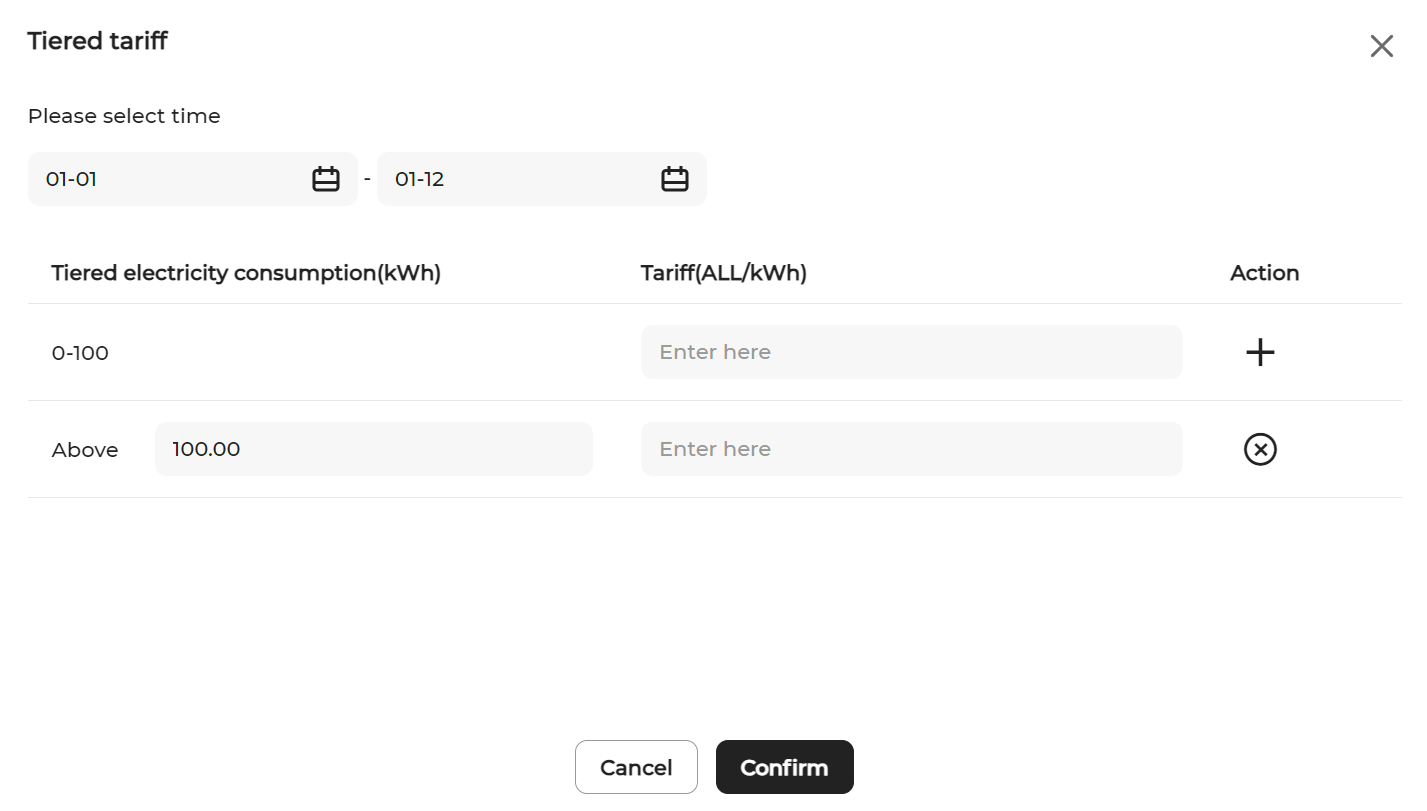
Tiered tariff: You can configure different consumption tiers and corresponding tariffs for each time period.