Shelly Relays
Click the name of the Shelly relay to go to the Settings page and choose Mode.
- Switch mode is used to control the connection and disconnection of two circuits independently and intelligently.
- Choose a circuit and enable/disable AI suggestion.
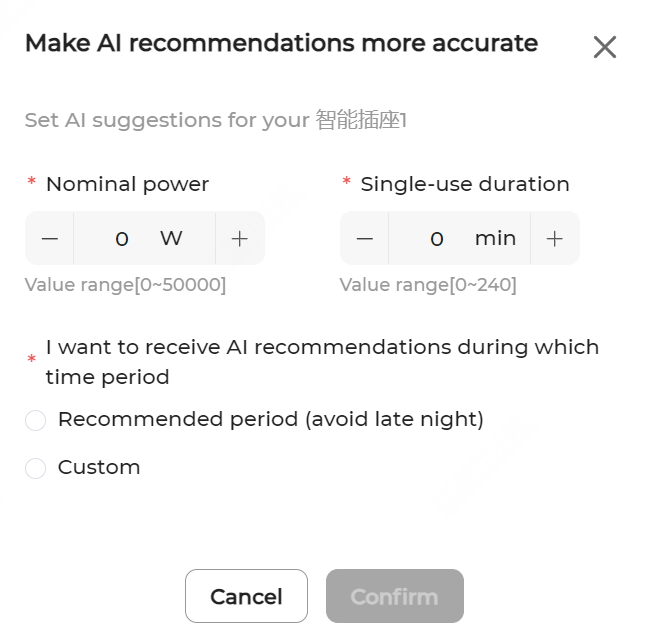
- After enabling AI suggestion, in the pop-up, set Rated power and Single-use duration, select the expected time period to receive AI recommendations, and click Confirm.
- Choose the recurrence date and drag the time bar left or right to adjust the start and end time for AI recommendations.
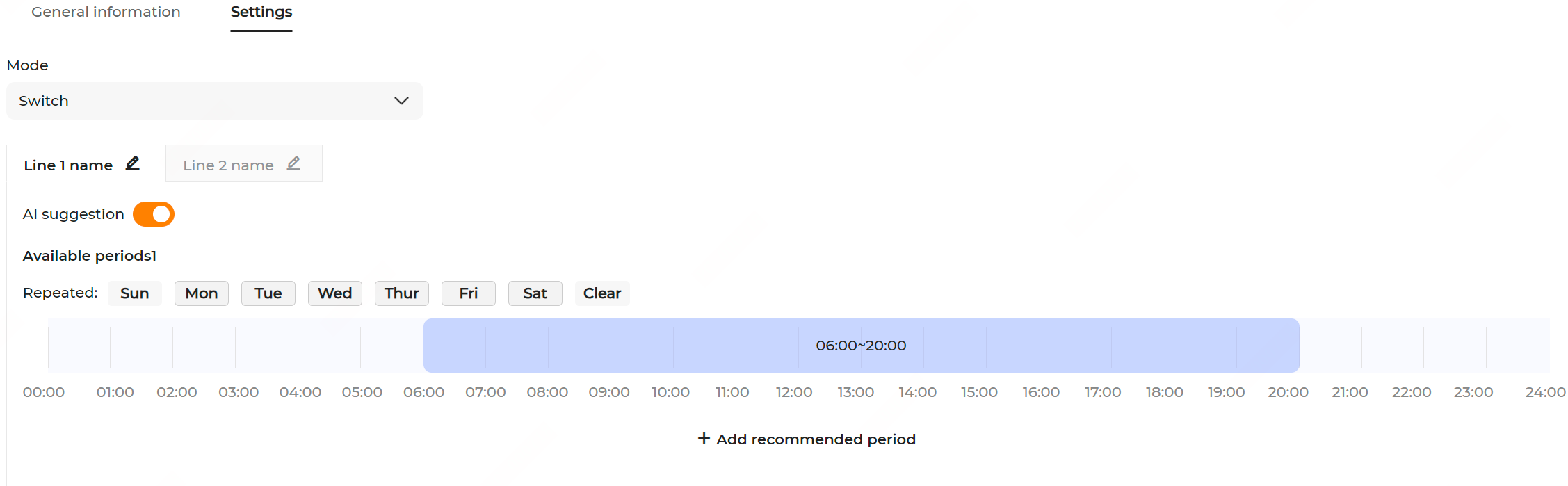
- Repeat the steps above to set up for another circuit.
- Click Apply settings to save and enable AI suggestions.
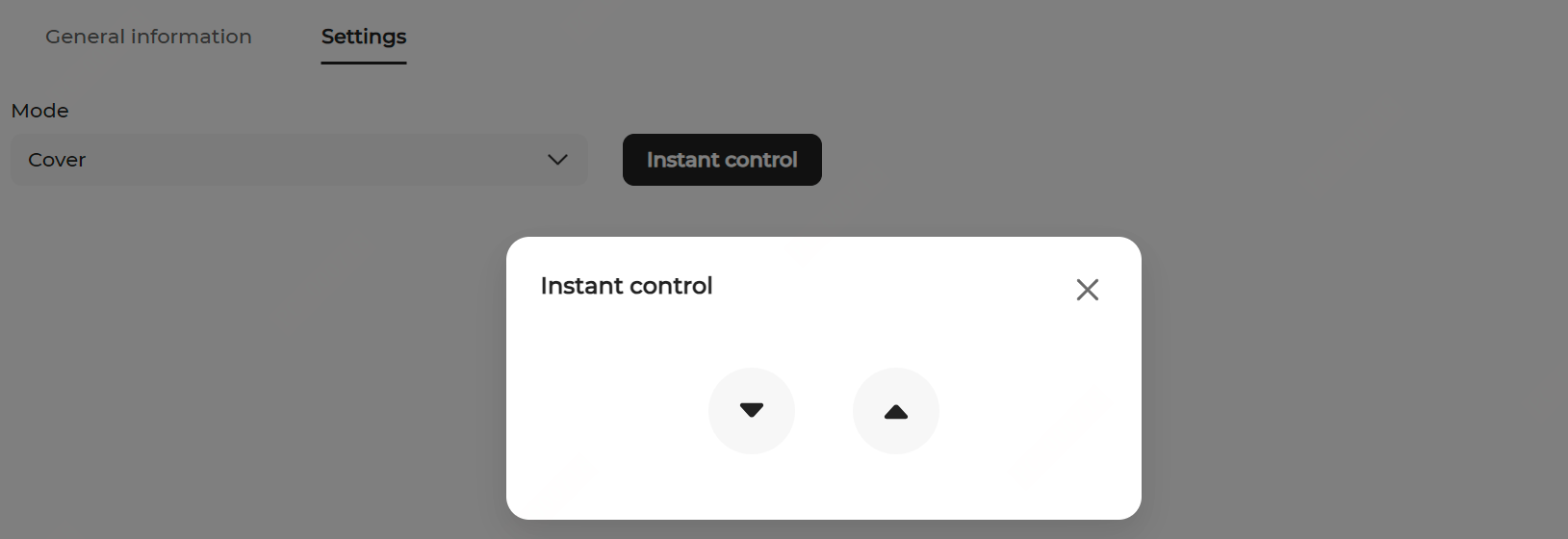
- Cover mode is used to control the roller shutter doors. Click the Instant control button, and in the pop-up, click
 ,
,  , and
, and  (up/down/pause) to control the door movement.