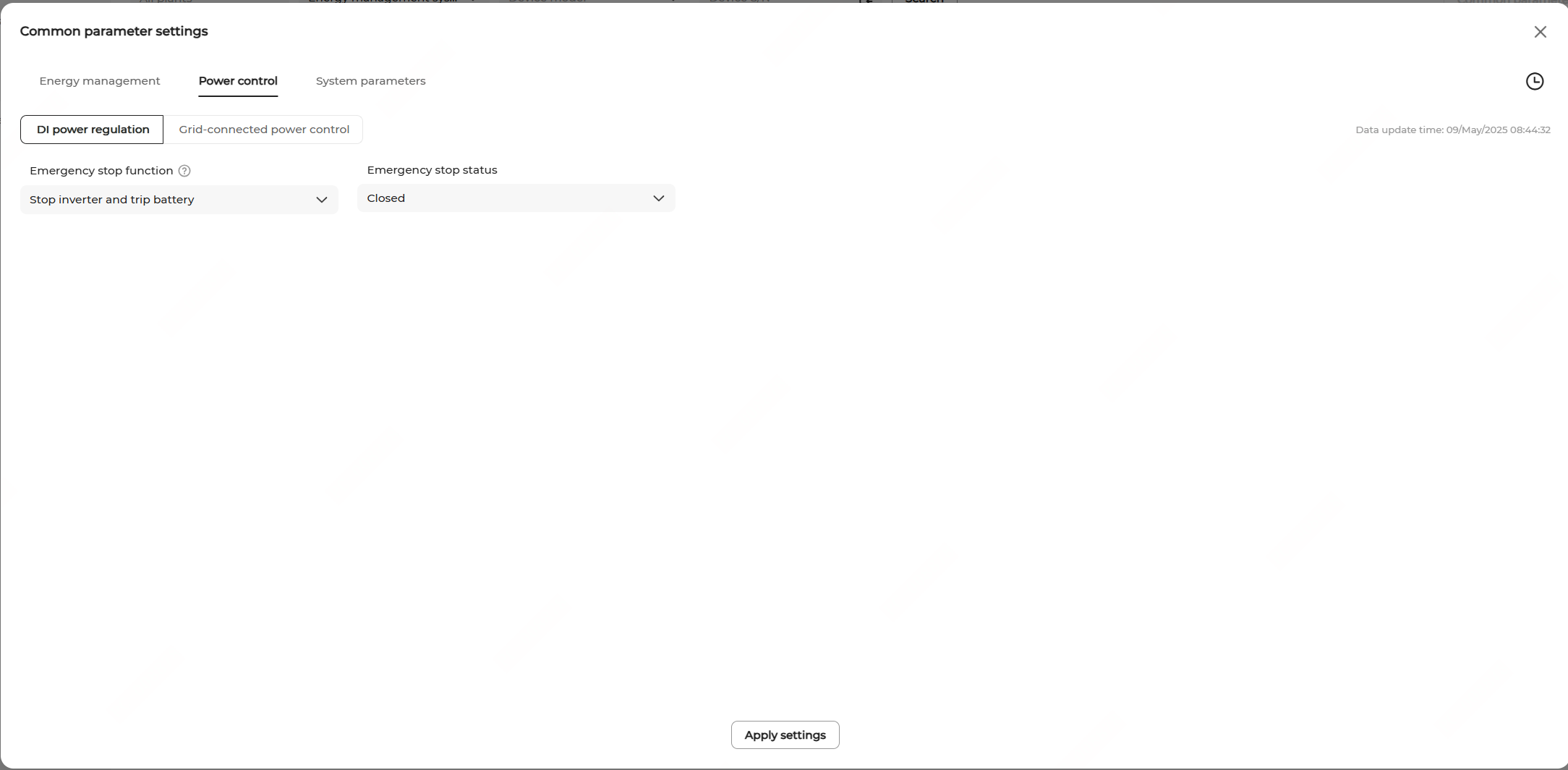
DI Power Regulation
This function regulates the inverter output power based on the external emergency stop signals.
| Mode | Description |
|---|---|
| Close | Emergency stop control is disabled. |
| Stop inverter | When emergency stop is triggered, the inverter enters the stop state and the ESS enters the standby state. |
| Stop inverter and trip battery | When triggered, the inverter stops exporting power to the grid, and the battery ceases all interactions with the inverter or grid, neither charging nor discharging. The inverter enters the stop state, and the ESS enters the standby state. |